

Description
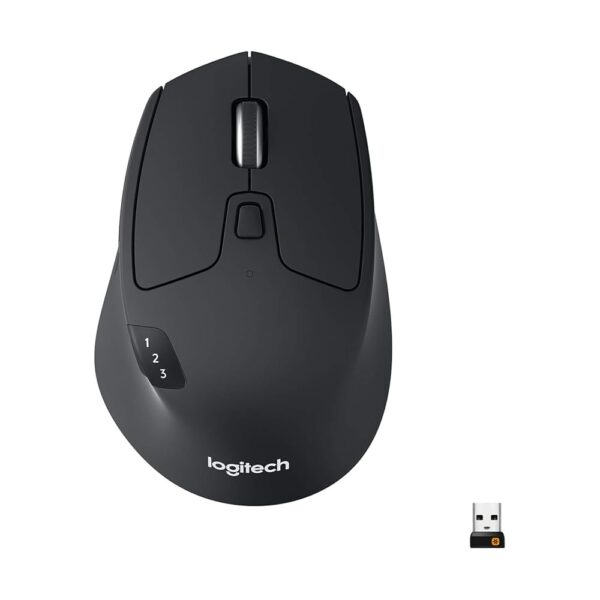
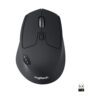
The Logitech M720 Triathlon, model 910-006036, is a full size right handed wireless mouse that solves a specific problem: working across more than one computer. It connects by both Bluetooth Low Energy and Logitech’s Unifying receiver, switches between three paired machines with a button, and quotes 24 months of battery. It has been on sale since August 10, 2020, carries a 4.5 star average across 23,127 ratings, and is ranked 20th in Computer Mice in the captured listing data.
Who this suits
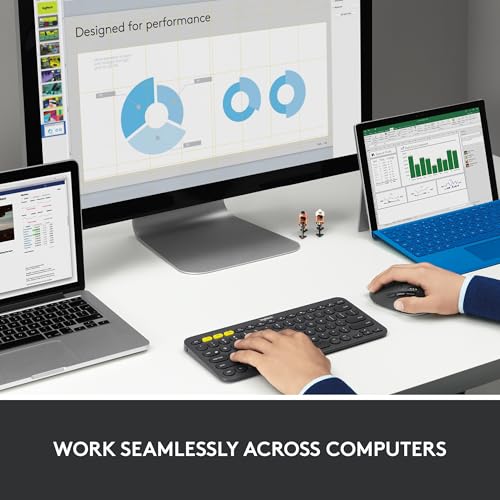
This is a desk mouse for someone with a work laptop, a personal machine and perhaps a tablet, who is tired of moving a single mouse between them or keeping two on the desk. The Easy-Switch button cycles between three connected computers, and Logitech FLOW is named as the software feature that moves the cursor, text and files across machines as though they were one desktop.
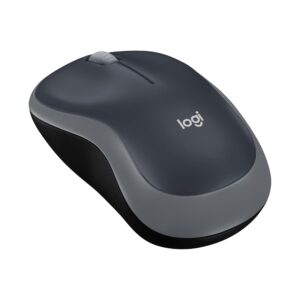
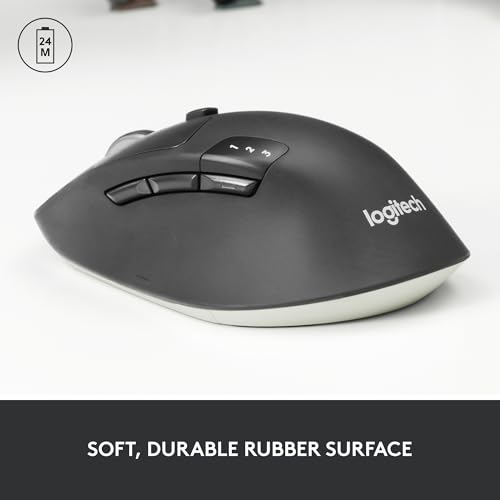
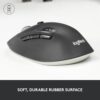
It is a large, sculpted, right handed shape with a rubber body, described as designed for palm grip. That rules it out for left handed users and makes it a poor travel companion: at 4.8 ounces and 4.53 inches long it is a desk mouse, not a bag mouse. Anyone who wants something small and portable should look at the Logitech M185, which is explicitly sized for small to medium hands and tight workspaces.
Connection: both methods, which is the point
Most wireless mice offer one connection type. This one offers two, and that flexibility is the strongest thing on the page.
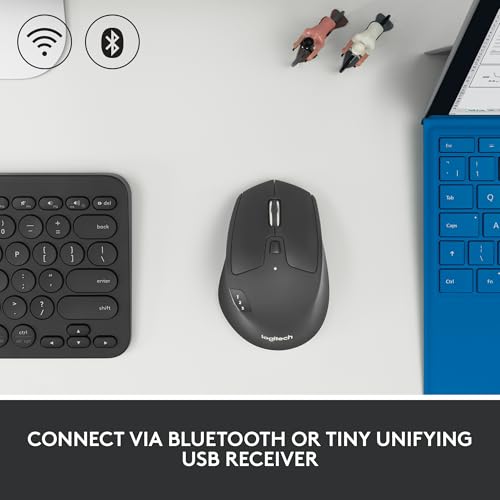
Bluetooth Low Energy needs no dongle and works on machines with no spare USB-A port, which is increasingly the situation on modern laptops. The Unifying receiver occupies a USB-A port but works during startup and in firmware menus where Bluetooth often does not, and Logitech states it can carry up to six compatible Logitech peripherals on a single receiver. If you already own a Logitech keyboard with a Unifying receiver, the two can share one port.
The compatibility list is unusually broad and is spelled out rather than implied. Over the receiver: Windows 10 or 11 and later, macOS 10.5 or later, Chrome OS and Linux Kernel 2.6 or later, with an available USB port. Over Bluetooth: the same list plus Android 5.0 or later and iPadOS 13.4 or later. The macOS 10.5 figure is worth flagging, since that release predates the product by well over a decade and predates Bluetooth Low Energy support on Macs entirely. We are naming it rather than correcting it; Mac users on older systems should verify before buying.
Battery: 24 months, and a field that disagrees
Logitech quotes 24 months of battery life, and the description states the source: “hardly spare a thought to changing batteries thanks to 24 months of power on one AA battery.” A replaceable AA rather than a sealed rechargeable cell is a durability advantage, because the mouse does not reach an end of life when a battery stops holding charge.
The specification field, however, reads “Batteries = 2 AA batteries required. (included).” The description says one AA and the field says two. Both cannot be right, and the difference matters when you go to replace it. We are flagging the contradiction rather than picking a side.
The 24 month figure carries a footnote marker in the original listing but the usage assumption behind it is not printed. Quoted battery figures are always best cases, and heavy daily use will not reach the same number as occasional use.
Buttons, scrolling and tracking
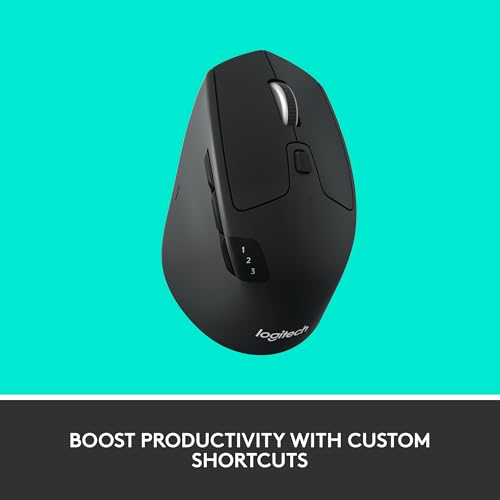
The product title states 8 buttons and 1000 DPI optical tracking. Eight buttons on a mouse of this type usually means the two main clicks, a wheel click, a wheel tilt in each direction, two thumb buttons and the Easy-Switch control, though the listing does not itemize them. Logitech software is named for assigning shortcuts, so most of those buttons are only as useful as your willingness to install an application.
The scroll wheel is the standout mechanical feature. Logitech describes hyper-fast scrolling with a stop-on-touch feature and the option to switch to click-to-click scrolling. In practice that means the wheel can free-spin through a long document and then be halted the moment you touch it, or be locked into ratcheted steps for precise work. On long spreadsheets and code files that is a real time saver, and it is a mechanism rather than a marketing phrase. It is also the feature most likely to decide whether you keep this mouse, since a free-spinning wheel is either the thing you cannot work without or the thing you turn off on day one.
The keys are stated to withstand up to 10 million clicks, which is a concrete durability figure and rarer than it should be on accessory listings. Tracking at 1000 DPI is a standard office resolution: fine for documents and browsing, on the low side for high resolution displays, and not aimed at gaming. There is no adjustable DPI button mentioned, so pointer speed has to be handled in the operating system settings. As with any optical sensor, glass and highly reflective surfaces are the known weak point, and the listing does not mention it.
What is not published
Missing from the record: polling rate, sensor model, an itemized button list, whether there is a battery indicator, whether there is a power switch, grip width, and whether the Unifying receiver stows inside the mouse for transport. The product title in the source listing also misspells the model name as “Triathalon”, which is a small thing but makes searching for accessories or replacement parts harder than it should be.
The claim of “comfort like never before” carries no measurement and should be read as brand language. The genuinely checkable claims here, the 10 million click rating, the six-device receiver capacity and the itemized operating system list, are the ones worth buying on.
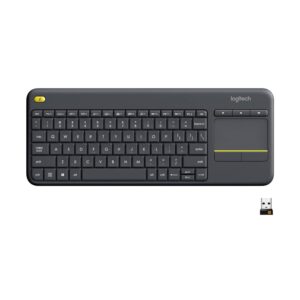
For other accessories in this part of the catalog, the Logitech K400 Plus is the compact keyboard with a built-in touchpad and also uses a Unifying receiver, while the Logitech MK345 is the full size keyboard and mouse combo. The INIU wireless charging stand is another desk accessory here, and the full selection sits in this section of the catalog.
Who should buy it
Buy the M720 Triathlon if you work across two or three computers, want both Bluetooth and a Unifying receiver as options, and value a free-spinning scroll wheel and a replaceable AA battery. Skip it if you are left handed, if you want a small portable mouse, if you need adjustable DPI above 1000, or if you are running an older macOS release, because the stated minimum in this listing does not look right.